
How to Audit Instagram Account - Complete Guide for Small Business Owners
Struggling to grow your Instagram? Here’s why an audit is the game-changer you need…
As a small business owner, you know that Instagram is one of the most powerful platforms for attracting customers, building brand awareness, and driving sales. But while you focus on the content creation part, the profile itself becomes neglected. Thus, the business stays on the lower performance end.
In this guide, I’ll walk you through how to audit Instagram account step by step, so you can stop guessing and start seeing results. Let’s dive in!
Why Every Small Business Needs an Instagram Audit
A few months ago, I worked with a small business owner who was struggling to grow his Instagram presence. Frustrated, he reached out for help. The first thing I did? An Instagram audit.
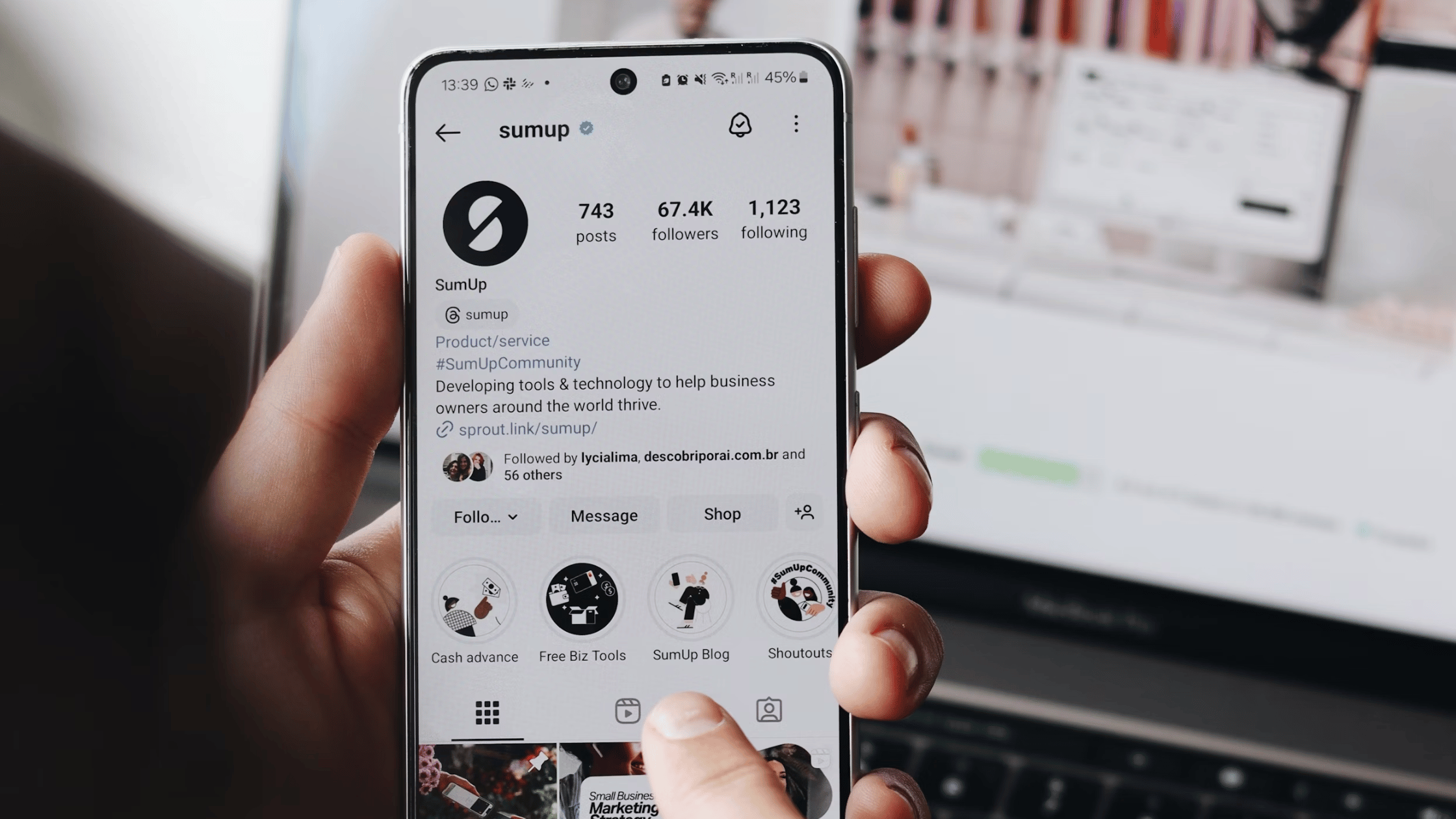
What I found was that his profile was bland. Bio lacked clarity, making it hard for potential customers to understand what the business offered. Posts were visually appealing but didn’t align with a cohesive brand strategy. Most importantly, the engagement rate was below 1%, signaling that the content wasn’t resonating with the audience.
Here’s the thing – a lot of businesses have this problem. A study by Rival IQ found that the average Instagram engagement rate across industries is only 0.36%. That means most small businesses are struggling to capture their audience’s attention.
After implementing the changes based on the Instagram audit, our client managed to:
✅ Increase in profile visits
✅ Engagement rate growth
✅ Increased website clicks
The truth is, Instagram isn’t just about posting pretty images and videos. Without an audit, you’re guessing what works instead of knowing for sure. And in today’s competitive digital landscape, guesswork can cost you customers.
So, how do you ensure your Instagram is optimized for growth? Let’s break it down step by step.
How to Audit Instagram Account: A Step-by-Step Guide
Instead of posting blindly and hoping for the best, you’ll have a clear strategy, knowing exactly what works and what doesn’t. That’s the power of an Instagram audit. It’s not just about fixing what’s broken, but rather about unlocking hidden opportunities that can take your brand from unnoticed to unstoppable.
Step 1: Optimize Your Instagram Bio for Clarity & Conversion
Your bio is the first impression potential followers get. If it’s unclear or uninspiring, they’ll leave without following. Here’s how to fix it:
✅ Use a clear username & profile picture – Make sure your @handle is recognizable and easy to remember. Your profile picture should be your logo or a professional image that represents your brand.
✅ Write a compelling bio – In 150 characters or less, explain what your business does and how it benefits your audience. Example:
🔹 “Helping small businesses grow with Instagram 🚀 DM for a free audit!”
✅ Add a strong call to action (CTA) – Direct visitors on what to do next. Example:
🔹 “Click below to book a free consultation 👇”
✅ Use a clickable link – Since Instagram allows up to 5 links, but for better link management use Linktree or a similar tool to add multiple links to your website, products, or offers.
2. Step 2: Evaluate Your Content Strategy
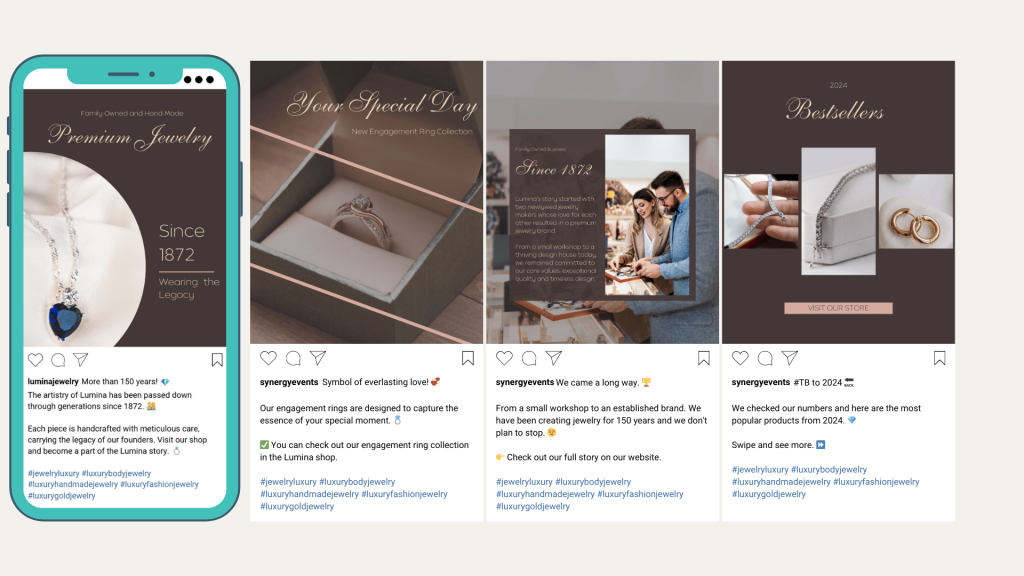
Not all posts perform equally. Analyzing your content will help you focus on what works.
Ask yourself:
❓ Are my posts aligned with my brand message?
❓ Am I using high-quality images/videos?
❓ Do my captions tell a story, educate, or engage?
❓ Am I using carousels, Reels, and Stories effectively?
If you want to know which content performs best, check out this blog.
3. Step 3: Check Your Engagement Rate
Engagement rate is more important than follower count. A small, highly engaged audience is better than a large, inactive one.
How to calculate engagement rate:
(Likes + Comments + Saves + Shares) ÷ Followers × 100
🔹 Ideal engagement rate:
Above 3% – Excellent
1% to 3% – Good
Below 1% – Needs improvement
If your engagement is low, try:
🔹 Posting at peak times (Check Insights for your best posting hours)
🔹 Asking engaging questions in captions
🔹 Using Instagram Stories with polls, quizzes, and stickers
4. Step 4: Audit Your Hashtag & SEO Strategy
Instagram now works like a search engine, meaning SEO matters!
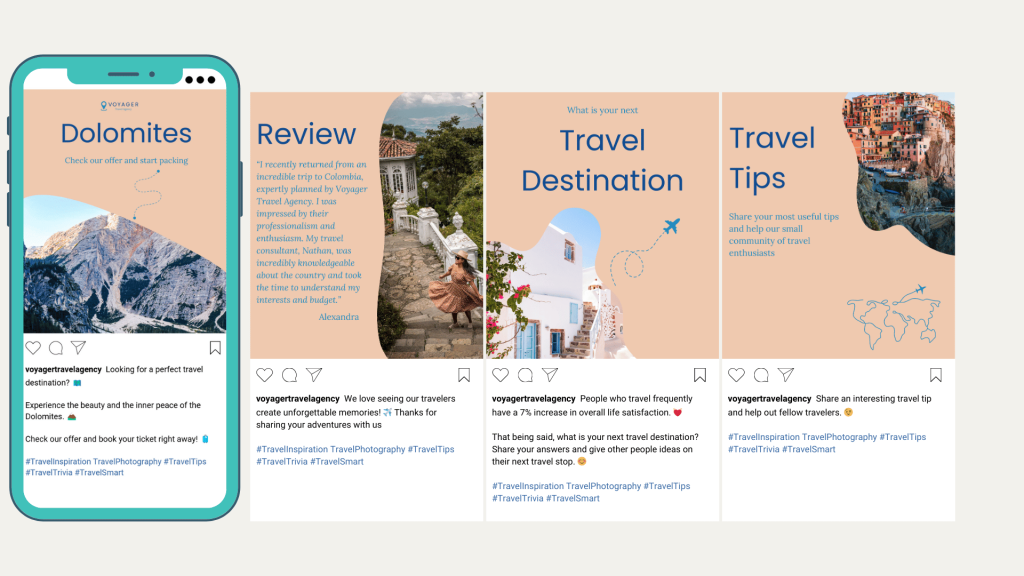
✅ Use niche-specific hashtags – Avoid generic ones like #love or #fashion. Instead, use targeted hashtags like #handmadejewelryshop or #veganbakeryNYC.
✅ Add keywords to your bio & captions – Instagram’s search algorithm ranks profiles based on keywords. If you’re a photographer, mention “NYC Wedding Photographer” in your bio and posts.
✅ Optimize alt text – Instagram allows you to add alt text to images. Use it to describe your content with keywords.
5. Step 5: Review Your Analytics & Adjust Strategy
Your Instagram Insights hold the key to what’s working and what’s not.
Check these metrics:
📊 Top-performing posts – What type of content gets the most engagement?
📊 Audience demographics – Who follows you? Are they your target audience?
📊 Best posting times – When is your audience most active?
If a certain type of post (e.g., Reels) performs well, double down on it. If a strategy isn’t working, tweak it. Data-driven decisions lead to growth.
Final Step: Take Action and Get Expert Help
A successful Instagram audit gives you a roadmap—but implementation is key. If you’re overwhelmed or unsure where to start, Fable & Vox can help!
We offer expert Instagram audits on Fiverr, where I’ll analyze your profile and provide a personalized strategy for growth. Click here to book your audit now! 🚀

Franjo Kompes Novak, Owner / Co-Founder at
Fable & Vox
I’ve been working both for a marketing agency and a single brand, which gave me a good view of both sides. So, after 5 years and the media and marketing industry I decided to start Fable & Vox.
My insights enable me to fully understand your needs and wants. Which leads to creating the perfect solution for your brand.